Agar aap website banwana chahte hain, to sirf domain name lena enough nahi hota. Website ko internet par accessible banane ke liye aapko ek reliable Web Hosting service ki bhi zarurat hoti hai.
Simple words mein samjhein to hosting wo service hai jahan aapki website ki files, images, database, code aur other important data store hota hai. Jab koi visitor aapki website ka domain browser mein open karta hai, to hosting server website ka required data visitor ke browser tak deliver karta hai.
Isi wajah se website ki speed, security, uptime aur overall performance mein hosting ka important role hota hai.
Lekin market mein Shared Hosting, VPS Hosting, Cloud Hosting aur Managed Hosting jaise multiple options available hain.
To business ke liye kaunsi hosting choose karni chahiye?
Is complete guide mein hum website hosting ko simple language mein samjhenge.
Domain Aur Hosting Mein Kya Difference Hai?
Website beginners ke liye domain aur hosting ko samajhna thoda confusing ho sakta hai. Dono website ke liye important hain, lekin dono ka kaam alag hota hai.
Domain Name Kya Hai?
Domain aapki website ka internet address hota hai.
Example:
example.com
Users isi domain ko browser mein enter karke aapki website par visit karte hain.
Web Hosting Kya Hai?
Web hosting wo server space hai jahan aapki website ki actual files aur data store hota hai.
Ek simple example se samjhein:
- Domain = Business ka address
- Hosting = Business ki physical location
- Website = Business ke andar available products aur information
Isliye website ko online accessible banane ke liye domain aur hosting dono ki zarurat hoti hai.
Website Hosting Kaise Work Karti Hai?
Jab koi visitor browser mein aapka domain name enter karta hai, browser website ke server se connection establish karta hai.
Server website ki required files ko process karta hai aur visitor ke browser ko data send karta hai.
Browser us data ko process karke website ko screen par display karta hai.
Ye process generally bahut fast hota hai, lekin website ki actual loading speed server performance, website code, images, database, caching aur network conditions jaise factors par depend karti hai.
Website Hosting Ke Main Types
Market mein different requirements ke according multiple types ki hosting available hain.
Har website aur business ke liye same hosting suitable nahi hoti.
1. Shared Hosting
Shared hosting mein ek physical server ke resources multiple websites ke saath share hote hain.
Ye beginners, personal websites, blogs, portfolios aur small business websites ke liye affordable starting option ho sakti hai.
Shared Hosting Ke Benefits
- Generally affordable hoti hai
- Setup relatively easy hota hai
- Beginners ke liye suitable ho sakti hai
- Control panel ke through website manage karna easy hota hai
- Small websites ke liye sufficient resources mil sakte hain
Shared Hosting Ki Limitations
- Server resources multiple websites ke saath share hote hain
- High-traffic websites ke liye limitations aa sakti hain
- Performance available resources par depend karti hai
- Advanced server-level customization limited ho sakti hai
2. VPS Hosting
VPS ka full form Virtual Private Server hai.
VPS hosting mein ek physical server ko multiple virtual servers mein divide kiya jata hai.
Har virtual environment ko allocated resources milte hain aur user ko shared hosting ke comparison mein zyada control mil sakta hai.
Growing websites aur custom web applications ke liye VPS ek useful option ho sakta hai.
VPS Hosting Kiske Liye Useful Hai?
- Growing business websites
- High-traffic websites
- Custom PHP applications
- Web applications
- Admin dashboards
- Database-heavy applications
- Jahan server configuration par zyada control chahiye
3. Cloud Hosting
Cloud hosting mein website ya application cloud infrastructure par run hoti hai.
Is type ke infrastructure mein resources ko requirement ke according scale karna possible ho sakta hai.
Agar kisi business ki website future mein rapidly grow karne wali hai ya traffic mein significant fluctuations hote hain, to cloud hosting consider ki ja sakti hai.
Cloud Hosting Ke Benefits
- Better scalability
- Flexible resources
- Growing applications ke liye useful
- High-traffic websites ke liye suitable infrastructure available ho sakta hai
- Business growth ke according resources adjust kiye ja sakte hain
4. Managed Hosting
Managed hosting mein hosting provider server management ke kuch technical tasks handle karta hai.
Ye option un businesses ke liye useful ho sakta hai jinke paas dedicated technical team nahi hai aur jo server administration ke complicated tasks khud manage nahi karna chahte.
Managed Hosting Mein Kya Mil Sakta Hai?
- Server management
- Security monitoring
- Backups
- Performance management
- Technical support
- Server updates
Available features hosting provider aur plan ke according different ho sakte hain.
Business Website Ke Liye Kaunsi Hosting Best Hai?
Iska ek fixed answer nahi hai.
Best hosting aapki website ki requirement, traffic, technology, budget aur future growth par depend karti hai.
Small Business Website
Agar aapki website ek basic company profile, portfolio ya service website hai aur traffic relatively low hai, to reliable shared hosting starting point ho sakti hai.
Growing Business Website
Agar website ka traffic increase ho raha hai, applications complex ho rahi hain ya resources ki requirement badh rahi hai, to VPS ya cloud hosting consider ki ja sakti hai.
E-commerce Website
E-commerce website par products, customers, orders, payments aur database operations continuously hote hain.
Isliye e-commerce website ke liye hosting choose karte waqt performance, security, backups aur scalability par special attention dena chahiye.
Custom Web Application
Custom PHP applications, CRM, ERP, dashboards aur complex web applications ke liye VPS ya cloud infrastructure zyada flexibility provide kar sakta hai.
Hosting Choose Karte Waqt 10 Important Things Check Karein
Hosting purchase karne se pehle sirf price compare karna enough nahi hai.
Aapko hosting ki performance, security, support aur future scalability bhi check karni chahiye.
1. Server Performance
Hosting server ki performance website loading speed aur application response ko affect kar sakti hai.
Hosting plan select karte waqt available resources aur server infrastructure ko consider karein.
2. Uptime
Aapki website visitors ke liye available rehni chahiye.
Hosting provider ki uptime reliability aur infrastructure ko check karna important hai.
3. Storage
Website files, images, videos, databases aur other data ke liye sufficient storage available hona chahiye.
Agar aap future mein large amount of data store karne wale hain, to storage requirements pehle calculate karein.
4. Bandwidth
Website par visitors badhne ke saath data transfer bhi increase hota hai.
Isliye growing websites ke liye bandwidth limits ko check karna important hai.
5. SSL Support
Website ko HTTPS par run karna security aur user trust ke liye important hai.
Hosting plan mein SSL support available hai ya nahi, ye purchase karne se pehle check karein.
6. Backup Facility
Regular backups website recovery ke liye extremely useful hote hain.
Hosting provider ki backup policy aur backup frequency ko purchase se pehle check karein.
7. Security Features
Hosting choose karte waqt available security features ko zarur check karein.
Examples:
- Firewall
- Malware protection
- Secure access
- Security monitoring
- Account isolation
- Backup system
8. Customer Support
Website ya server mein technical issue aane par reliable customer support bahut important hota hai.
Hosting purchase karne se pehle support channels aur response process ko samajh lena better hai.
9. Scalability
Business grow hone par website ki requirements bhi increase ho sakti hain.
Isliye aisi hosting choose karein jise future mein upgrade karna relatively easy ho.
10. Control Panel
Hosting control panel website files, databases, domains, email accounts aur other settings manage karne mein help karta hai.
Beginners ke liye easy-to-use control panel useful hota hai.
Website Speed Mein Hosting Ka Kya Role Hai?
Website speed sirf hosting par depend nahi karti.
Website ke code, images, database queries, JavaScript, CSS, caching aur server configuration jaise multiple factors website performance ko affect karte hain.
Lekin agar hosting environment hi slow ya poorly configured hai, to website optimization ke baad bhi performance expected level tak nahi pahunch sakti.
Website Speed Improve Karne Ke Important Steps
- Images optimize karein
- WebP jaise modern image formats use karein
- Unnecessary JavaScript aur CSS remove karein
- Browser caching use karein
- Database optimize karein
- CDN consider karein
- Server resources ko website requirement ke according choose karein
- Unnecessary plugins aur scripts avoid karein
Cheap Hosting Lena Kya Hamesha Sahi Hai?
Hosting choose karte waqt sirf price ko dekhna sahi approach nahi hai.
Very low-cost hosting mein resources, support, backup, performance ya security features limited ho sakte hain.
Agar aapki website business ke liye important hai, to hosting ko sirf ek expense ke roop mein nahi balki website infrastructure ke important part ke roop mein dekhna chahiye.
Cheap hosting small websites ke liye suitable ho sakti hai, lekin business-critical website ke liye reliability aur performance ko priority deni chahiye.
Website Hosting Aur Security
Website security mein hosting environment ka important role hota hai, lekin sirf secure hosting lene se website completely secure nahi ho jati.
Website owner ko bhi security best practices follow karni chahiye.
Website Security Ke Liye Important Steps
- Strong passwords use karein
- Admin accounts ko secure rakhein
- CMS aur plugins updated rakhein
- Unused plugins aur themes remove karein
- Regular backups maintain karein
- HTTPS enable karein
- Firewall aur malware protection consider karein
- Suspicious login activity monitor karein
- Sensitive configuration files ko protect karein
Website Backup Kyun Zaruri Hai?
Website par accidental deletion, coding error, malware infection, server problem ya incorrect configuration ki wajah se data loss ho sakta hai.
Isi liye important website ke liye regular backup strategy maintain karna bahut zaruri hai.
Backup Mein Kya Save Karna Chahiye?
- Website files
- Database
- Uploaded images
- Important configuration files
- Business-critical documents
Important websites ke liye sirf hosting provider ke backup par completely depend karne ke bajay independent backup copy maintain karna bhi useful ho sakta hai.
Hosting Upgrade Kab Karni Chahiye?
Agar website consistently hosting resource limits reach kar rahi hai, loading slow ho rahi hai, server errors increase ho rahe hain ya traffic significantly grow ho raha hai, to hosting upgrade karne ki requirement ho sakti hai.
Hosting Upgrade Ke Common Signs
- Website frequently slow ho rahi hai
- Server resource limits repeatedly hit ho rahi hain
- Traffic significantly increase ho gaya hai
- Database operations heavy ho gaye hain
- Website par multiple applications run ho rahi hain
- Business ko better server control ki requirement hai
WordPress Website Ke Liye Hosting Kaise Choose Karein?
WordPress website ke liye hosting choose karte waqt WordPress compatibility ke saath performance, PHP support, database performance, backups, SSL aur security features ko consider karna chahiye.
WordPress Hosting Mein Important Features
- Supported PHP environment
- MySQL ya compatible database support
- SSL support
- Regular backups
- Good server performance
- Security features
- Easy control panel
- Reliable technical support
PHP Website Ke Liye Hosting Kaisi Honi Chahiye?
Agar aapki website PHP aur MySQL par developed hai, to hosting environment mein required PHP version, database support, extensions aur server configuration available hona chahiye.
Custom PHP application ke case mein hosting lene se pehle developer se required server specifications confirm kar lena better hota hai.
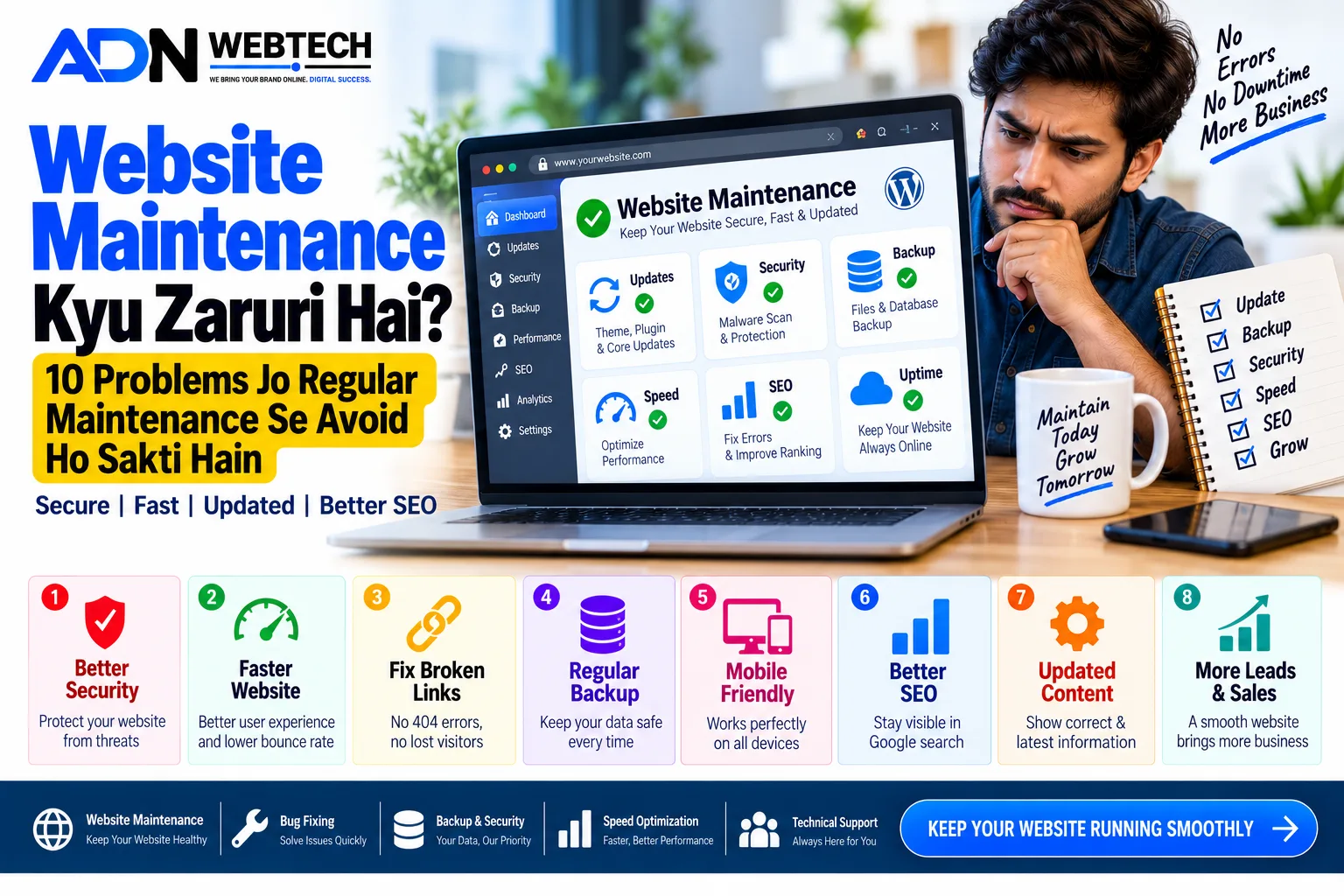
Hosting Aur Website Maintenance Ka Connection
Website launch hone ke baad bhi regular maintenance important hoti hai.
Hosting infrastructure, backups, security, software updates aur website performance ko regularly monitor karna long-term stability ke liye useful ho sakta hai.
Regular Website Maintenance Mein Kya Check Karein?
- Website uptime
- Page loading speed
- Security status
- Backups
- Database health
- SSL certificate
- Broken links
- Website errors
- Software updates
- Server resource usage
Website Ke Liye Hosting Kitni Important Hai?
Website ka design kitna bhi attractive ho, agar hosting reliable nahi hai to visitors ko poor experience mil sakta hai.
Ek professional business website ke liye hosting ko carefully choose karna chahiye.
Hosting ka selection website ke:
- Performance
- Security
- Reliability
- Scalability
- Availability
- User Experience
par directly ya indirectly impact daal sakta hai.
Hosting Purchase Karne Se Pehle Ye Questions Zarur Puchhein
Hosting provider choose karne se pehle kuch basic questions clear kar lena chahiye.
Important Questions
- Hosting mein kitne resources available hain?
- Backup kaise work karta hai?
- SSL included hai ya nahi?
- Technical support available hai?
- Website traffic increase hone par upgrade possible hai?
- Server location kya hai?
- Control panel kaunsa hai?
- PHP aur database requirements supported hain?
- Security features kya available hain?
- Renewal pricing kya hogi?
In questions ke answers samajhne ke baad hosting choose karna easier ho jata hai.
Shared Hosting vs VPS vs Cloud Hosting
Simple comparison ke liye:
- Shared Hosting: Small websites aur beginners ke liye suitable
- VPS Hosting: Growing websites aur custom applications ke liye useful
- Cloud Hosting: Scalability aur flexible infrastructure ke liye useful
- Managed Hosting: Technical server management outsource karne ke liye useful
Har business ko apni actual requirement ke according hosting select karni chahiye.
Common Hosting Mistakes Jo Beginners Ko Avoid Karni Chahiye
Sirf Cheapest Plan Choose Karna
Sirf low price dekhkar hosting choose karna long-term mein problem create kar sakta hai.
Backup Ko Ignore Karna
Website ka backup available hai ya nahi, ye check kiye bina hosting purchase karna risky ho sakta hai.
Future Growth Ko Ignore Karna
Aaj website small hai, iska matlab ye nahi ki future mein traffic bhi small hi rahega.
Security Ko Ignore Karna
Strong passwords, updates, backups aur website security ko ignore nahi karna chahiye.
Poor Support Wali Hosting Choose Karna
Technical problem ke time support available na hona business ke liye serious issue ban sakta hai.
Beginner Ke Liye Simple Hosting Strategy
Agar aap first time website launch kar rahe hain, to ye simple approach follow kar sakte hain:
Step 1: Website ki technology identify karein.
Step 2: Expected traffic estimate karein.
Step 3: Storage aur database requirements check karein.
Step 4: Reliable hosting providers compare karein.
Step 5: SSL, backup aur security features check karein.
Step 6: Customer support evaluate karein.
Step 7: Future upgrade options check karein.
Step 8: Budget ke according suitable hosting plan select karein.
Conclusion
Website hosting kisi bhi website ka important infrastructure component hai.
Domain visitors ko website ka address deta hai, jabki hosting website ki files aur data ko store karke users tak deliver karne mein help karti hai.
Small website ke liye Shared Hosting sufficient ho sakti hai, jabki growing business, e-commerce websites aur custom applications ke liye VPS ya Cloud Hosting better option ho sakti hai.
Hosting choose karte waqt sirf price par focus na karein. Performance, uptime, security, backup, customer support aur scalability ko bhi equally consider karein.
Ek reliable hosting environment aapki website ko better performance aur stable online presence maintain karne mein help kar sakta hai.
Agar aap business ke liye professional website develop karwana chahte hain, to website development ke saath hosting, security, performance aur maintenance ko bhi proper planning ke saath consider karein.
ADN WEBTECH businesses ke liye professional website development, WordPress solutions, custom PHP development, SEO, hosting aur digital solutions provide karta hai.
Aapki website sirf online available nahi honi chahiye — fast, secure, reliable aur business-ready bhi honi chahiye.