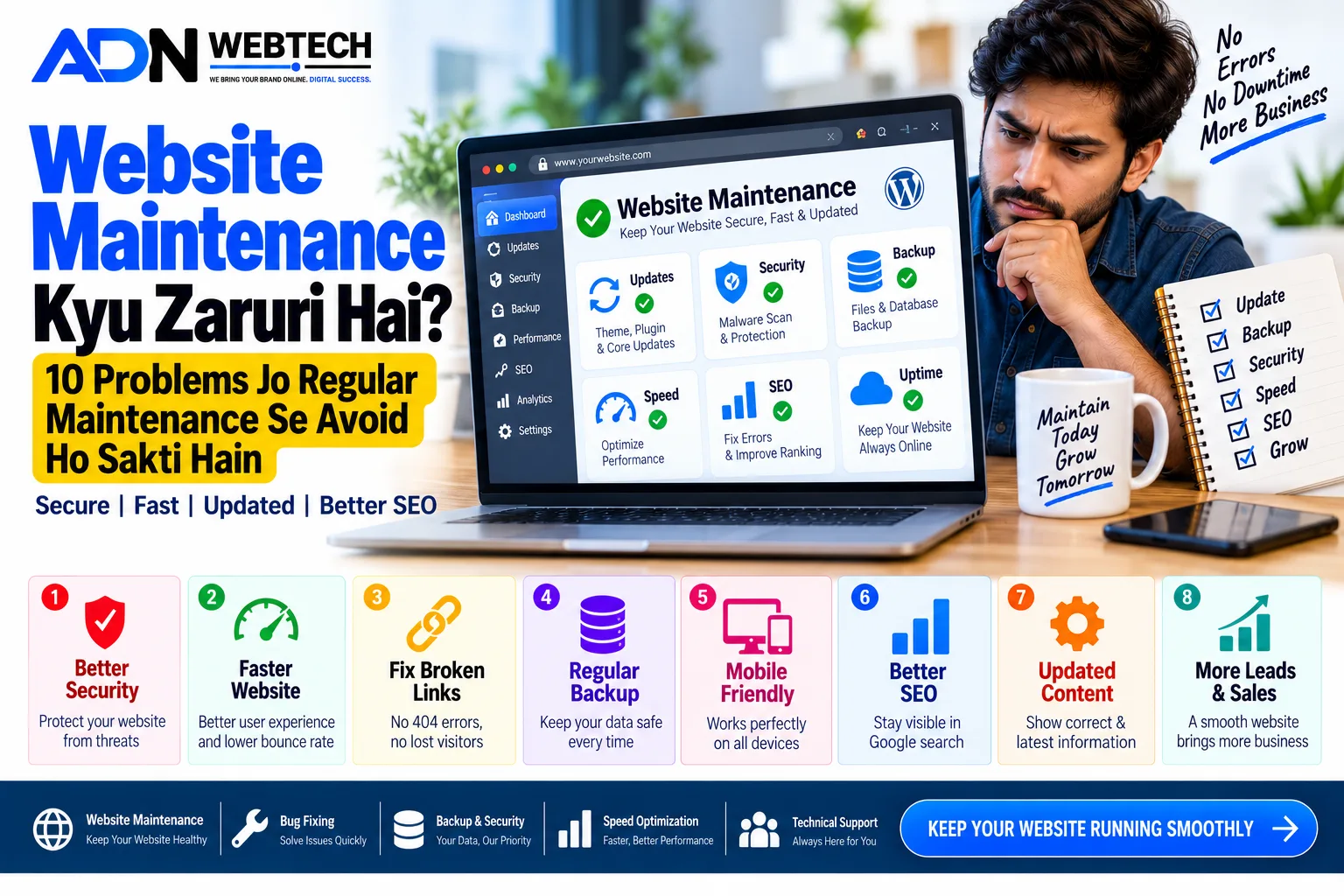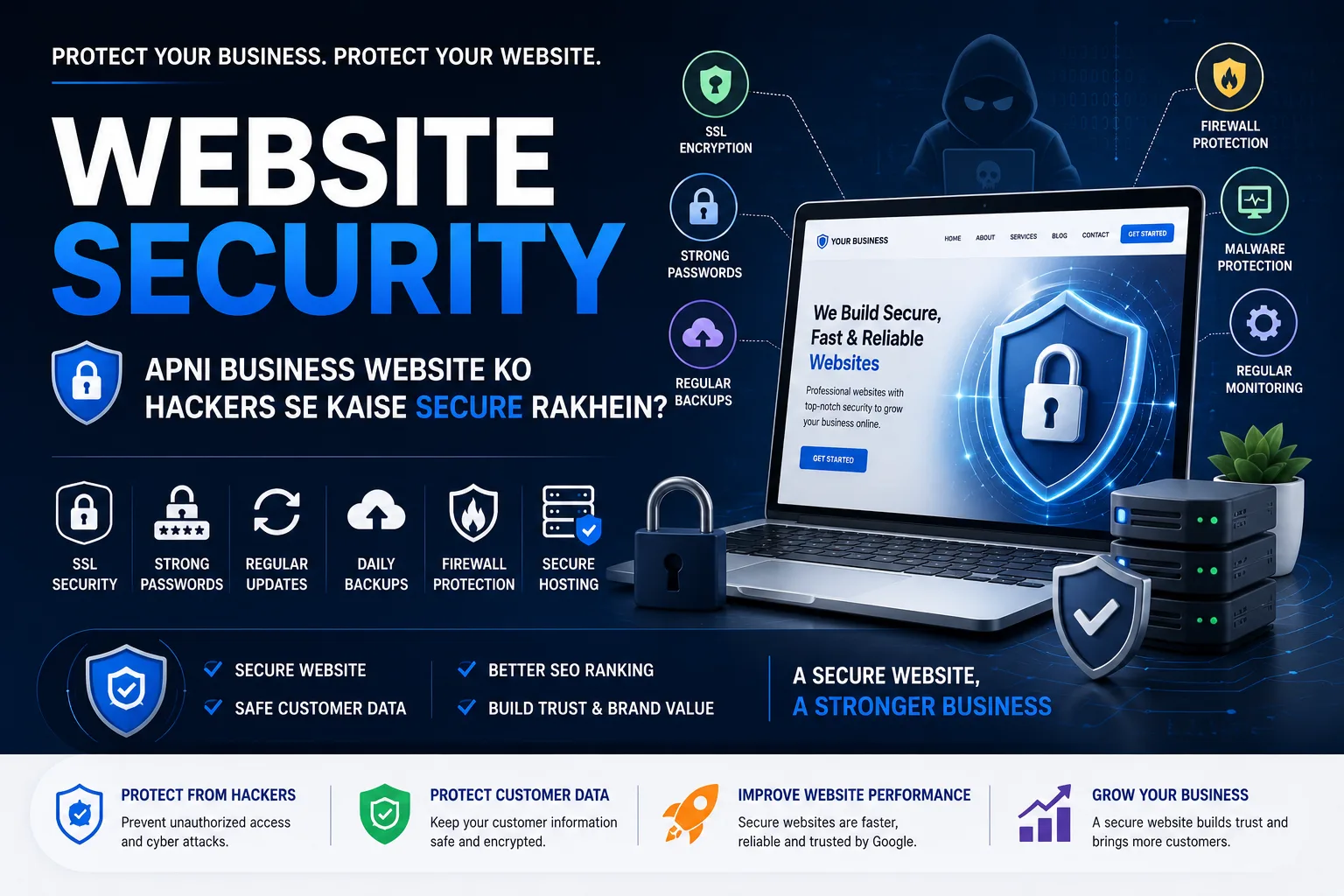
Aaj ke digital era me website kisi bhi business ki online identity hoti hai. Customers aapki services, products, contact details aur business information ke liye website par visit karte hain. Lekin jis tarah businesses online grow kar rahe hain, usi tarah websites ke against security threats bhi ek important concern ban gaye hain.
Agar website properly secure nahi hai, to hackers unauthorized access, malware injection, spam, data theft ya website defacement jaise problems create kar sakte hain. Iska effect sirf website par nahi, balki business ki reputation aur customer trust par bhi pad sakta hai.
Isliye website development ke saath website security ko bhi priority dena zaruri hai.
1. SSL Certificate Zarur Use Karein
SSL certificate website aur visitor ke browser ke beech data ko encrypt karne me help karta hai.
SSL enabled website generally HTTPS ke through access hoti hai. Browser me lock icon bhi users ko ye indicate karta hai ki connection secured hai.
Especially agar website par login, contact forms, customer information ya online payments hain, to SSL ko ignore nahi karna chahiye.
2. Strong Passwords Use Karein
Weak passwords website security ke liye major risk ho sakte hain.
Admin panel, hosting account, database aur email accounts ke liye strong aur unique passwords use karein.
Strong password me generally:
- Uppercase aur lowercase letters
- Numbers
- Special characters
- Sufficient length
ka combination hona chahiye.
Ek hi password ko multiple accounts me use karna avoid karein.
3. Website Software Ko Updated Rakhein
Agar aap WordPress, plugins, themes ya kisi other CMS ka use kar rahe hain, to software updates ko ignore nahi karna chahiye.
Updates me new features ke saath security fixes bhi aa sakte hain. Purane software versions vulnerabilities ke risk ko increase kar sakte hain.
Isliye website ke core software, themes aur plugins ko regularly review aur update karein.
4. Regular Website Backup Rakhein
Security ka matlab sirf attack prevent karna nahi hai. Agar kisi reason se website compromise ho jaye, to backup recovery ke liye extremely important ho sakta hai.
Regular backups me important files aur database ko securely preserve kiya ja sakta hai.
Professional website ke liye backup strategy me ye points consider karein:
- Regular automated backups
- Database backup
- Website files backup
- Secure backup storage
- Recovery testing
Backup available hone se unexpected problems ke time website restore karna easier ho sakta hai.
5. Secure Hosting Choose Karein
Website security me hosting server ka bhi important role hota hai.
Low-quality ya poorly configured hosting website performance ke saath security ko bhi affect kar sakti hai.
Hosting choose karte waqt consider karein:
- Server security
- SSL support
- Backup facilities
- Firewall protection
- Malware monitoring
- Technical support
Reliable hosting website ke overall security infrastructure ka important part hoti hai.
6. Unnecessary Plugins Aur Software Remove Karein
Especially WordPress websites me unnecessary plugins install karna avoid karein.
Har additional plugin website me additional code introduce karta hai. Agar plugin outdated, poorly maintained ya unreliable hai, to security risk increase ho sakta hai.
Isliye:
- Unused plugins remove karein
- Unused themes delete karein
- Trusted plugins hi use karein
- Plugin updates regularly check karein
7. Admin Panel Ko Secure Rakhein
Website ka admin panel attackers ke liye important target ho sakta hai.
Admin security improve karne ke liye:
- Strong admin passwords use karein
- Two-factor authentication enable karein
- Unnecessary admin accounts remove karein
- User permissions properly configure karein
- Login attempts ko monitor karein
Admin access sirf trusted users ko dena bhi important hai.
8. Firewall Aur Malware Protection Use Karein
Website firewall suspicious requests aur malicious traffic ko filter karne me help kar sakta hai.
Malware monitoring tools website me suspicious files ya activities identify karne me useful ho sakte hain.
Security solution choose karte waqt website ke platform aur requirements ke according proper configuration karna important hai.
9. Contact Forms Ko Secure Karein
Contact forms aur enquiry forms spam bots ke target ban sakte hain.
Agar website par forms available hain to spam protection implement karna useful hai.
Aap CAPTCHA, rate limiting aur server-side validation jaise security measures consider kar sakte hain.
Sirf frontend validation par depend nahi karna chahiye. Important data ko server side par bhi validate aur sanitize karna zaruri hai.
10. Website Ki Regular Security Monitoring Karein
Website security ek one-time task nahi hai. Website ko regularly monitor karna chahiye.
Regular monitoring me check karein:
- Suspicious login activity
- Unknown files
- Unexpected code changes
- Broken security certificates
- Malware alerts
- Outdated software
- Unusual server activity
Early detection se potential security problems ko quickly address karne me help mil sakti hai.
Agar Website Hack Ho Jaye To Kya Karein?
Agar aapko lagta hai ki website hack ho gayi hai, to panic karne ke bajay systematic approach follow karein.
Sabse pehle affected website aur important accounts ke access ko secure karein. Passwords change karein aur available backups ko identify karein.
Uske baad website files, database aur server logs ko properly investigate karein taaki problem ka source identify kiya ja sake.
Sirf hacked files delete kar dena enough nahi hota. Security vulnerability identify aur fix karna bhi zaruri hai, warna website dobara compromise ho sakti hai.
Website Security Business Ke Liye Itni Important Kyun Hai?
Website compromise hone par business ko multiple problems face karni pad sakti hain.
For example:
Customer Trust:
Agar visitors ko security warning dikhe ya website suspicious behave kare, to business par trust negatively affect ho sakta hai.
Business Reputation:
Hacked website par unwanted content ya malware hone se brand image damage ho sakti hai.
Data Protection:
Website par stored sensitive information ko unauthorized access ka risk ho sakta hai.
Business Continuity:
Website unavailable hone par enquiries aur online sales affect ho sakti hain.
Isliye website security ko business investment ka part samajhna chahiye.
Secure Website Ke Liye Simple Checklist
Website launch karne se pehle ye basic checklist zarur check karein:
✓ SSL Certificate Active Hai
✓ Strong Passwords Use Ho Rahe Hain
✓ Admin Access Properly Secured Hai
✓ Website Software Updated Hai
✓ Regular Backups Available Hain
✓ Trusted Plugins Aur Software Use Ho Rahe Hain
✓ Spam Protection Enabled Hai
✓ Firewall/Security Monitoring Available Hai
✓ Server Properly Secured Hai
✓ Regular Security Checks Ho Rahe Hain
Website security ko website launch hone ke baad consider karna ek mistake ho sakti hai. Security ko website development process ke beginning se hi planning ka part banana better approach hai.
SSL, strong authentication, regular updates, secure hosting, backups, firewall aur continuous monitoring jaise measures website ko more secure banane me help kar sakte hain.
Ek professional website sirf attractive aur fast nahi honi chahiye, balki secure, reliable aur business-ready bhi honi chahiye.
Agar aap apne business ke liye secure, responsive, fast aur professional website develop karwana chahte hain, to ADN WEBTECH aapki requirements ke according modern web development solutions provide kar sakta hai.